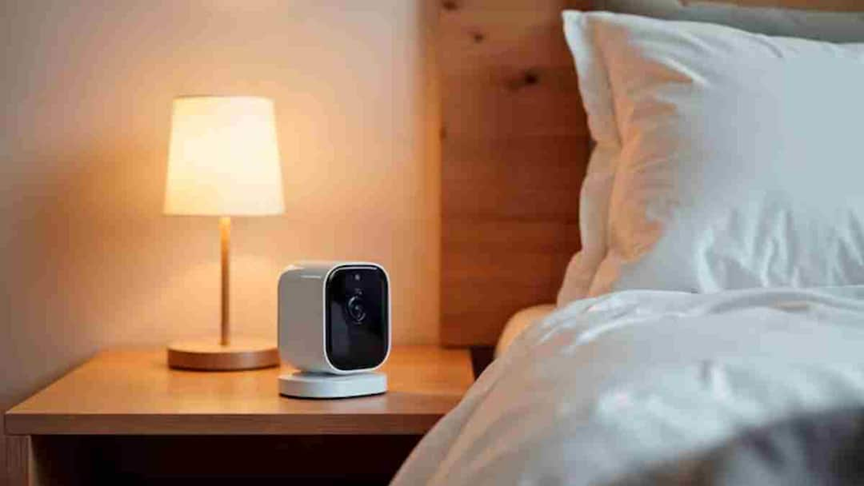
Spy Camera: Whether it is travelling for work or going out for holidays, staying in hotels, hostels or home-stays is a common thing these days.
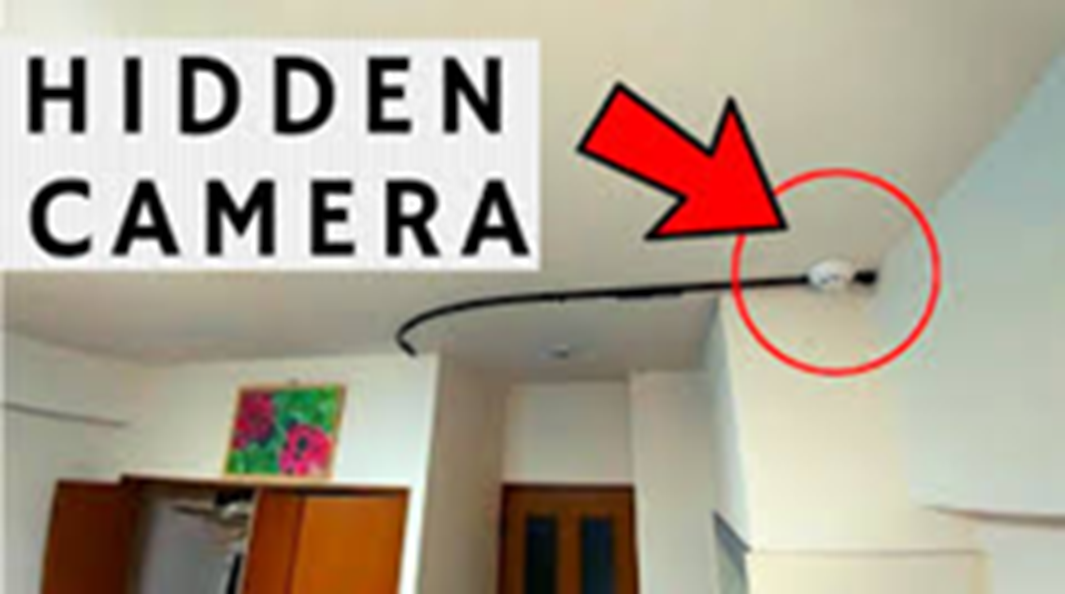
(How to know if a hotel has a spy camera or not)
Spy Camera: Whether traveling for work or vacationing, staying in hotels, hostels, or homestays is common these days. While most places are considered safe, there are reports of hidden cameras being found in rooms. These cameras are often installed in unsuspecting locations, such as smoke detectors, chargers, alarm clocks, air purifiers, or even inside TV boxes.
Such incidents are not only frightening but can also pose a significant threat to your privacy. Therefore, it's important to exercise some caution upon arriving at your hotel room.
Do this small check as soon as you reach your room.
Many people immediately check out their luggage and head straight to the hotel. However, it's best to inspect the room carefully before doing so. Pay particular attention to any electronic devices in the room. If anything seems unusual or the placement of a device seems odd, inspect it carefully. Sometimes a small precaution can save you from a major problem. If you prefer to use technology, there's an app that can help.
What is the Fing app and how does it work?
Fing is a mobile app that scans Wi-Fi networks connected to your phone and reveals which devices are connected to that network. This app is commonly used to monitor smart devices or networks in their homes. It's available for both Android and iPhone.
Once you're connected to the hotel's Wi-Fi, scanning the network with the Fing app will show you all the devices connected there, such as mobile phones, laptops, smart TVs, routers, and even IP cameras, if available.
How Fing helps detect hidden cameras
This app won't directly reveal where the camera is hidden in the room, but it will show you which devices are connected to the network. All you need to do is:
- First, connect to the hotel's Wi-Fi.
- After this, open the Fing app and start the network scan.
- Within a few seconds you will see a complete list of connected devices.
If you see an IP Camera, Security Camera , or any other device you don't recognize on the list , it may be cause for suspicion. In such a case, you can immediately speak to hotel staff. However, this method only works if the camera is connected to the same Wi-Fi network.
You can check this way even without an app
It's not necessary to rely solely on apps. There are some simple ways you can scan a room. First, look for places where cameras are commonly hidden, such as smoke detectors, power sockets, bathroom vents, or wall corners. Turn off the lights and turn on your mobile phone's flashlight. Sometimes, the camera's small lens glows when exposed to light, making it visible. Alternatively, you can scan a room by opening your phone's camera. The infrared light from many night-vision cameras appears as small, glowing dots. If a mirror in the room looks suspicious, check to see if it's a two-way mirror.