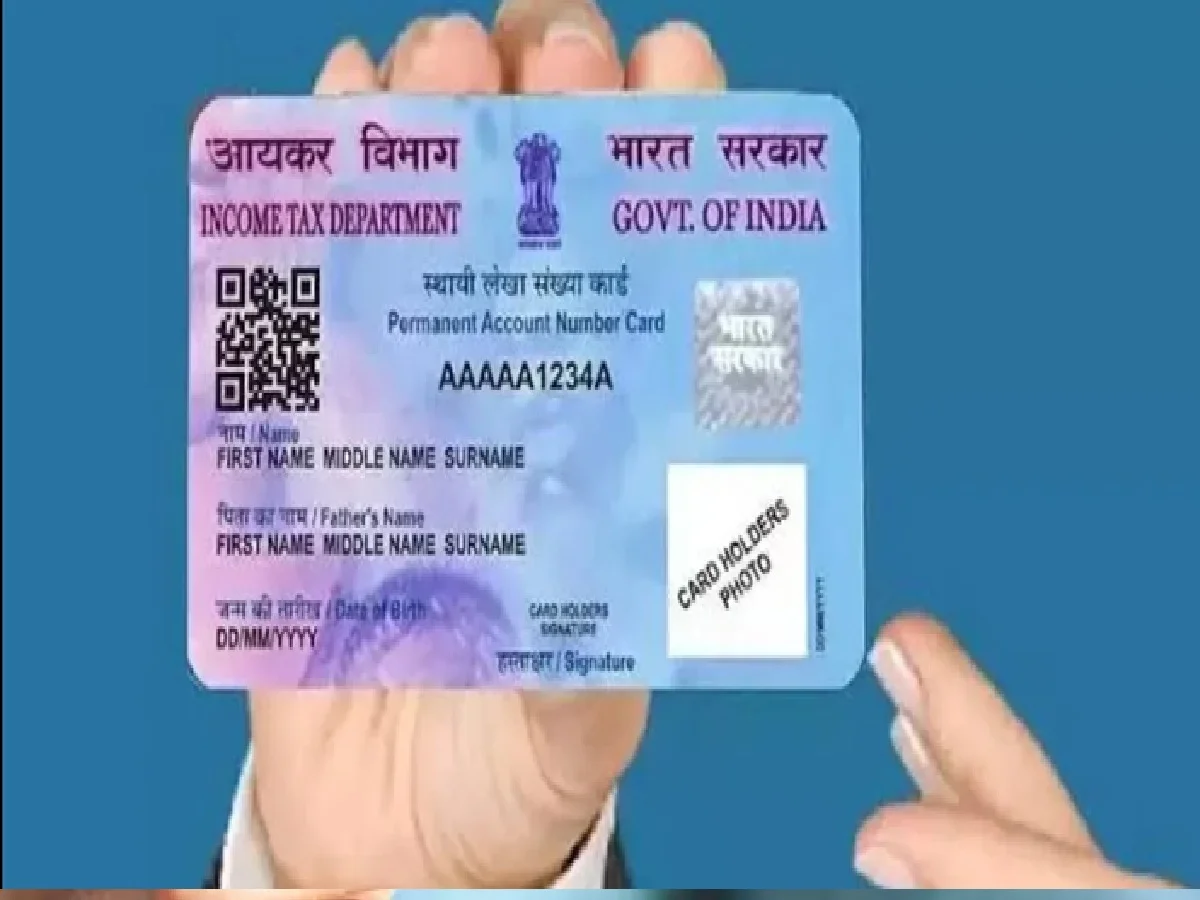
If your PAN card contains incorrect name, date of birth, address, or other personal details, there's no need to obtain a new PAN card to correct them. Information in the PAN database can be updated through a correction request. According to the Income Tax Department, changes to PAN information such as name or date of birth can be made through authorized PAN service providers.
How to make correction in PAN?
First, go to the Protean PAN Service Portal. Here, instead of "New PAN Application," choose "Changes or Correction in existing PAN Data" to make changes to your PAN.
Now enter the required information, such as your PAN number, name, date of birth, email address, and mobile number. Select the relevant option for the information you want to change.
Then, have the required supporting documents ready. For example, a name or date of birth change may require providing a valid document that proves your information is correct. Complete the process according to the documentation and application requirements.
How to update address?
The correction/update process can also be used if you need to change your PAN address. According to the official FAQs for PAN 2.0, PAN holders can update their email address, mobile number, address, and demographic details.
Keep in mind that the PAN number does not change. Corrections update your existing PAN information.
How to check status after correction?
After submitting your application, you may receive an acknowledgment number. This number allows you to track the status of your PAN correction application online.
Necessary precautions
Use only services approved or authorized by the Income Tax Department for PAN correction. Do not share your PAN, Aadhaar, OTP, or banking details with any unknown website or individual.
If the name or date of birth in PAN and Aadhaar does not match, then it may be necessary to first update the correct information in the relevant database.
PC: Panchjanya