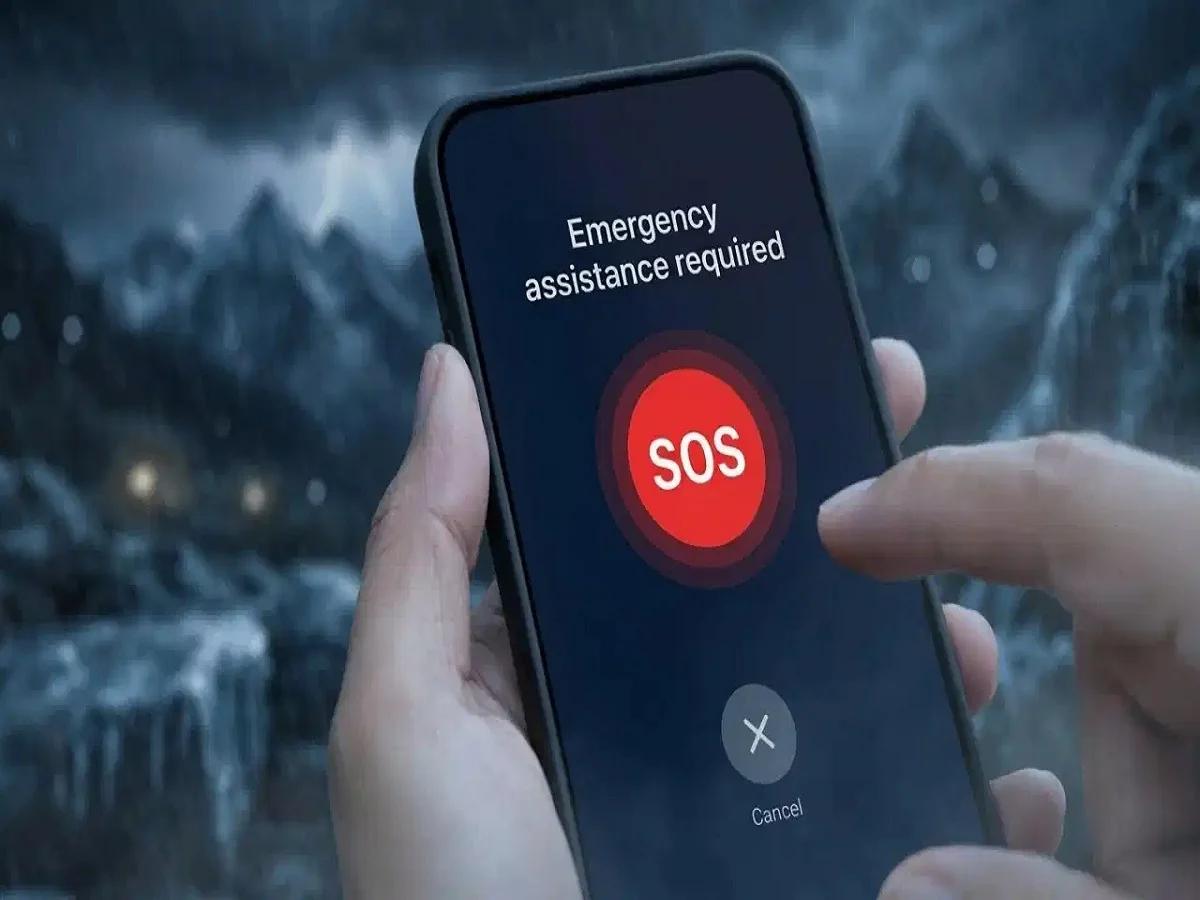
Smartphones today are more than just communication tools—they can also act as life-saving devices in emergencies. One of the most powerful yet often overlooked features is Emergency SOS, which can instantly alert your loved ones and share your location during critical situations.
Whether it’s an accident, a medical emergency, or a safety threat, this feature ensures that help reaches you as quickly as possible.
What Is Emergency SOS and Why It Matters
Emergency SOS is a built-in safety tool that:
- Sends instant alerts to selected contacts
- Shares your real-time location
- Can trigger a loud alarm to attract attention
- Contacts emergency services in critical situations
This feature can be extremely useful when you are unable to make a call manually.
How to Set Up Emergency SOS on Android
Most Android smartphones offer this feature with slight variations depending on the brand.
Steps to follow:
- Open your phone’s Settings
- Go to Safety & Emergency
- Tap on Emergency Contacts
- Add one or more trusted contacts
Additional features (on brands like Samsung, Xiaomi, etc.) may include:
- Pressing the power button multiple times to trigger SOS
- Automatic SMS alerts to contacts
- Instant location sharing
These tools ensure that your emergency contacts receive critical information without delay.
How to Enable Emergency SOS on iPhone
Setting up Emergency SOS on iPhones is equally simple:
- Open the Health app
- Tap on your profile icon
- Select Medical ID
- Tap Edit and add emergency contacts
In an emergency:
- Press and hold the power button (or use the side button combination)
- Your phone will call emergency services
- It will also share your location with selected contacts
When Should You Use Emergency SOS?
This feature can be crucial in situations like:
- Road accidents
- Medical emergencies
- Feeling unsafe while traveling alone
- Natural disasters or unexpected threats
Having it activated ensures that you are never completely alone in critical moments.
Key Benefits of Emergency SOS
- Immediate alert to trusted contacts
- Real-time location tracking
- Quick access to emergency services
- Works even when you cannot unlock your phone
Important Safety Tips
- Always add reliable and reachable contacts
- Keep your phone’s location services enabled
- Test the feature once to understand how it works
- Inform your emergency contacts in advance
Final Takeaway
Emergency SOS is a simple feature, but it can make a life-saving difference when seconds matter. Setting it up takes just a few minutes, but it can provide peace of mind and real protection.
Don’t wait for an emergency—activate it today and stay prepared.