As online banking and digital payments become increasingly common, cybercriminals are constantly finding new ways to steal personal information and gain access to financial accounts. One of the latest threats involves unauthorized call forwarding, a technique that can allow fraudsters to intercept important calls and one-time passwords (OTPs).
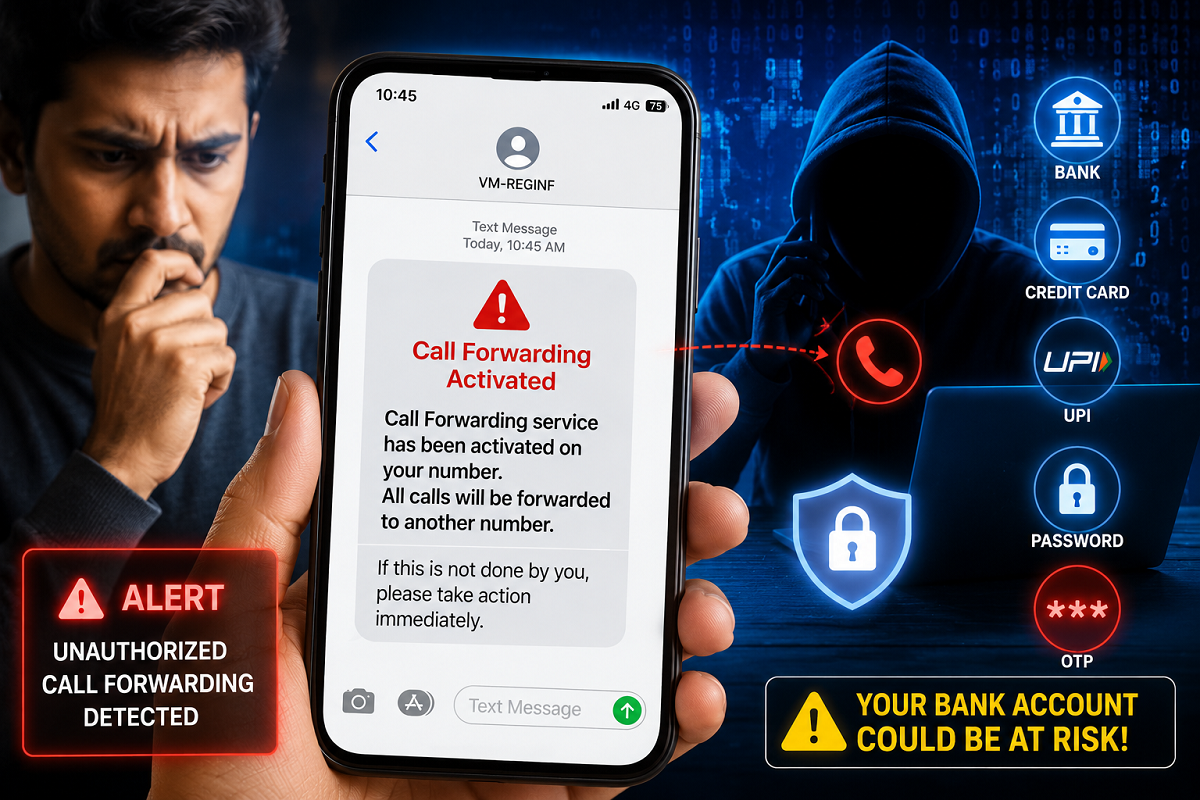
Cybersecurity authorities have warned mobile users to stay alert for specific call forwarding activation messages. Ignoring such alerts could potentially expose bank accounts, UPI IDs, and social media profiles to cyber fraud.
Why This SMS Should Never Be Ignored
Many people no longer pay close attention to SMS notifications, assuming they are promotional messages or routine service alerts. However, experts have cautioned that a call forwarding activation message could indicate a serious security risk.
When call forwarding is enabled on a mobile number, incoming calls are automatically redirected to another phone number. If this feature is activated without the user's knowledge, cybercriminals may be able to receive calls and verification codes intended for the victim.
This can give fraudsters an opportunity to gain access to sensitive accounts.
How the Call Forwarding Scam Works
Cybercriminals often attempt to activate call forwarding on a target's mobile number through deceptive methods.
Once call forwarding is enabled:
- Calls meant for the victim are redirected elsewhere.
- Fraudsters may attempt to access banking services.
- They can use "Forgot Password" or OTP-based login options.
- Verification calls and security codes may be intercepted.
- Financial accounts, UPI services, and social media profiles can become vulnerable.
Several cyber fraud cases have reportedly involved unauthorized call forwarding before fraudulent transactions were carried out.
What Does the Alert SMS Mean?
Telecom operators generally send a notification whenever call forwarding is activated on a mobile number.
The message typically informs users that incoming calls will be diverted to another number.
If you receive such a notification without requesting call forwarding yourself, it should be treated as a warning sign.
What Should You Do Immediately?
If you receive a call forwarding activation message that you did not initiate, take action without delay.
Step 1: Dial ##002#
Dialing ##002# from your mobile phone disables all active call forwarding settings on most networks.
This is one of the quickest ways to cancel unauthorized call diversions.
Step 2: Verify Call Settings
Check your phone's call settings to ensure that no forwarding rules remain active.
Step 3: Review Sensitive Accounts
Monitor your:
- Bank accounts
- UPI applications
- Email accounts
- Social media profiles
Look for any suspicious login attempts or unauthorized activity.
Step 4: Change Passwords if Necessary
If you suspect that your number was compromised, immediately change passwords for important accounts and enable additional security measures wherever available.
Beware of Secret Codes Shared by Strangers
Cybersecurity experts advise users never to dial codes such as:
- 21
- 401
- Any unknown service code provided by strangers
Fraudsters often convince victims to dial these codes under the pretext of customer support, rewards, verification, or technical assistance.
Doing so may activate call forwarding without the user's full understanding.
How to Stay Safe
To reduce the risk of becoming a victim of call forwarding fraud:
- Read telecom SMS alerts carefully.
- Never share OTPs with anyone.
- Avoid dialing unknown codes.
- Enable security features on banking and payment apps.
- Regularly review account activity.
- Report suspicious activity immediately.
Final Takeaway
A simple SMS about call forwarding could be the first sign of an attempted cyber fraud. If you receive a notification stating that call forwarding has been activated and you did not request it, act immediately by dialing ##002# to disable all call forwarding services.
Staying alert to such warnings can help protect your bank accounts, digital wallets, and personal information from cybercriminals.
Disclaimer: Telecom network behavior may vary by operator and device. Users should verify call forwarding settings with their service provider if they suspect unauthorized activity.