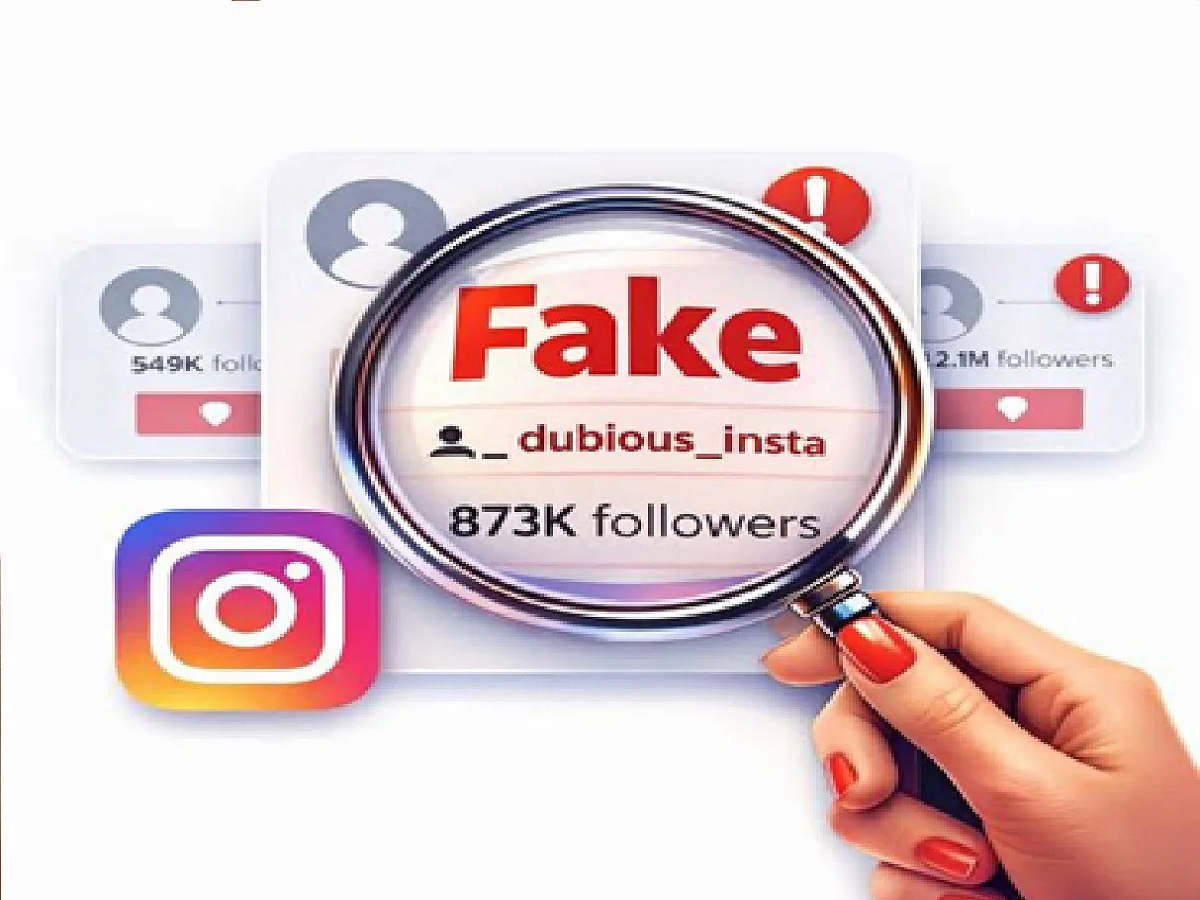
Today, Instagram and Facebook have become a part of our everyday lives. People use these platforms to connect with friends, conduct business, shop, and meet new people. However, cases of fake profiles and impersonation are also increasing. Many fake accounts appear completely real. Therefore, it's important to recognize certain signs.
1. Profile is too new
Be wary if an account has few posts, a recently created profile, and is following a lot of people at once. However, being a new account isn't automatically proof it's fake.
2. Big difference between followers and likes
If a profile has thousands of followers but posts see very few likes and genuine comments, it could be a warning sign. Some fake accounts try to make their profiles appear authentic by increasing their followers.
3. Check the Profile Photo
If your profile photo looks too professional or appears to be taken from somewhere online, it's worth investigating. Reverse image search tools like Google Lens can help determine if the same photo has been used on another profile or website.
4. Pay attention to your username and bio
Fake accounts often use a username similar to the original person's name. The name may also include extra numbers, unusual characters, or suspicious links. Claims of quick money or a suspicious offer in the bio should also be a warning sign.
5. Suddenly asking for personal information
If someone sends you an email asking for your OTP, password, bank details, or money, do not share any information. Exercise special caution if the identity of a person you meet on social media is unclear.
6. View Old Activity
Look at the profile's past posts, comments, tagged photos, and mutual friends. Real accounts often show consistent activity over time, while fake profiles may have little or no activity.
What to do if you find a fake profile?
Stop interacting with such accounts and don't share any personal information. If necessary, use Instagram or Facebook's Report and Block options.
PC: Influence4you