Losing important photos or videos from your smartphone can be frustrating, especially when they include memories of special moments, family events, or travel experiences. Many Android users store their photos and videos directly on their devices to quickly share them with friends and family. However, due to limited storage space or accidental taps, these files may sometimes get deleted from the phone’s gallery.
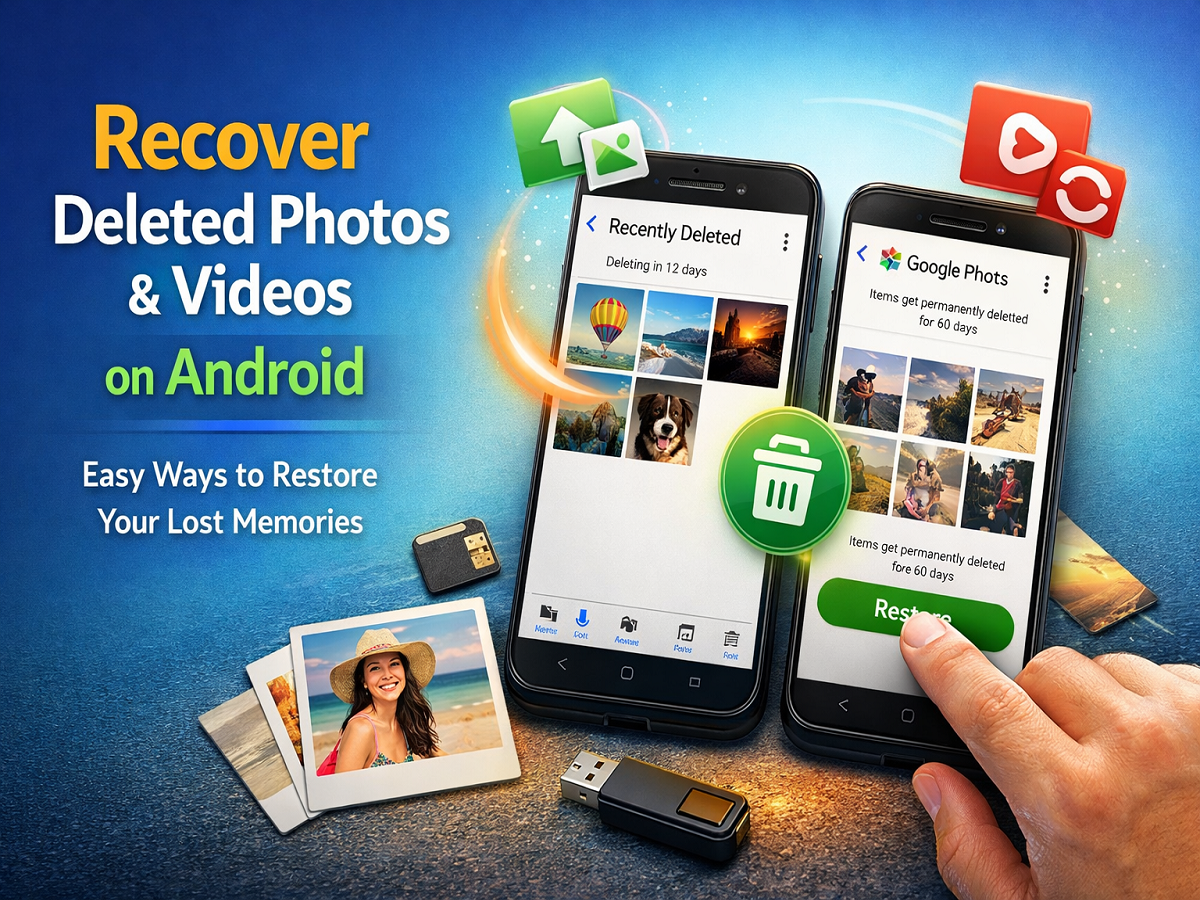
Fortunately, most modern Android smartphones include built-in recovery options that allow users to restore deleted photos and videos within a certain time period. Apps like the default Gallery and Google Photos keep deleted files in a temporary folder before permanently removing them. This gives users a chance to recover files if they were deleted by mistake.
In most Android devices, deleted photos and videos remain in a Recently Deleted or Trash folder for a limited number of days. If the files are restored before that period ends, they will return to the phone’s gallery as if they were never deleted.
Below are two simple methods that can help Android users recover deleted photos and videos.
Method 1: Restore Deleted Photos from Android Gallery
Many Android smartphones store deleted images and videos in a Recently Deleted folder within the Gallery app. Items typically remain in this folder for around 30 days before being permanently removed.
Follow these steps:
- Open the Gallery app on your Android smartphone.
- Scroll down and locate the Recently Deleted or Trash folder.
- Tap on the folder to view all recently removed photos and videos.
- Select the images or videos you want to recover.
- Tap the Restore button.
After completing these steps, the selected files will return to your gallery and will once again appear among your normal photos and videos.
Method 2: Recover Deleted Photos Using Google Photos
If your device automatically backs up images to the cloud using the Google Photos app, you may also recover deleted files from its Trash or Bin folder. Google Photos stores deleted content for up to 60 days before permanently removing it.
Steps to restore files using Google Photos:
- Open the Google Photos app on your Android smartphone.
- Tap on the Library section at the bottom of the screen.
- Select the Trash or Bin folder.
- Browse through the deleted items and select the photos or videos you want to restore.
- Tap the Restore button.
Once restored, the files will return to both the Google Photos library and your phone’s gallery.
Important Things to Remember
Before attempting to recover deleted photos or videos, keep these points in mind:
- Deleted files remain in the Gallery trash for about 30 days.
- In Google Photos, items can stay in the Trash folder for up to 60 days.
- After this time limit, files are permanently deleted and cannot be recovered through these methods.
- Acting quickly increases the chances of successfully restoring lost media.
Regularly backing up photos using cloud storage services can also help prevent permanent data loss.
Accidentally deleting photos or videos on an Android device is a common issue, but modern smartphones provide several ways to recover them. By checking the Gallery’s Recently Deleted folder or the Trash section in Google Photos, users can easily restore files before they are permanently removed.
To avoid losing valuable memories in the future, consider enabling automatic backups and periodically reviewing your storage settings. This ensures that even if files are accidentally deleted, you will still have a secure copy available.